 Gemiini
Ways to watch
Watch on the Screen That Fits Your Day
Use a phone, tablet, computer, or TV. Pick up right where you left off.
Watch the guide
How to Watch Gemiini
A quick walkthrough of the different ways to view your child’s lessons, from the mobile app to your TV.
📺
Roku
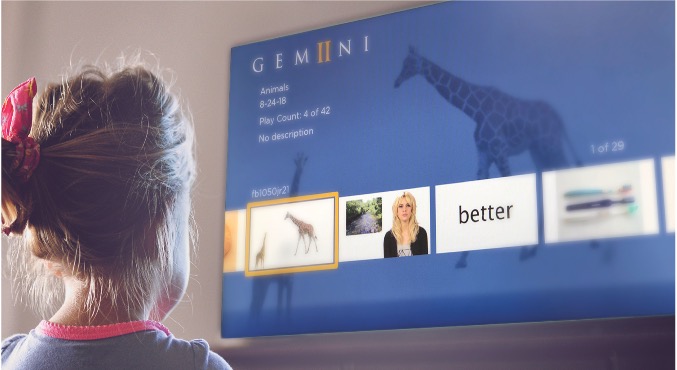
Search “Gemiini” in the Roku Channel Store, add your device to your account, and watch on your TV.
View the Roku channel ↗Companion app
The App Works With Your Gemiini Account
Use it to view and download assigned lessons. Manage your account and lesson setup on the full website. The app connects to the internet periodically to confirm your account.
Try Gemiini Free for a Week.
Pick a starting level, watch your first lessons, and see how language skills grow. Coaching is included and you can cancel anytime.